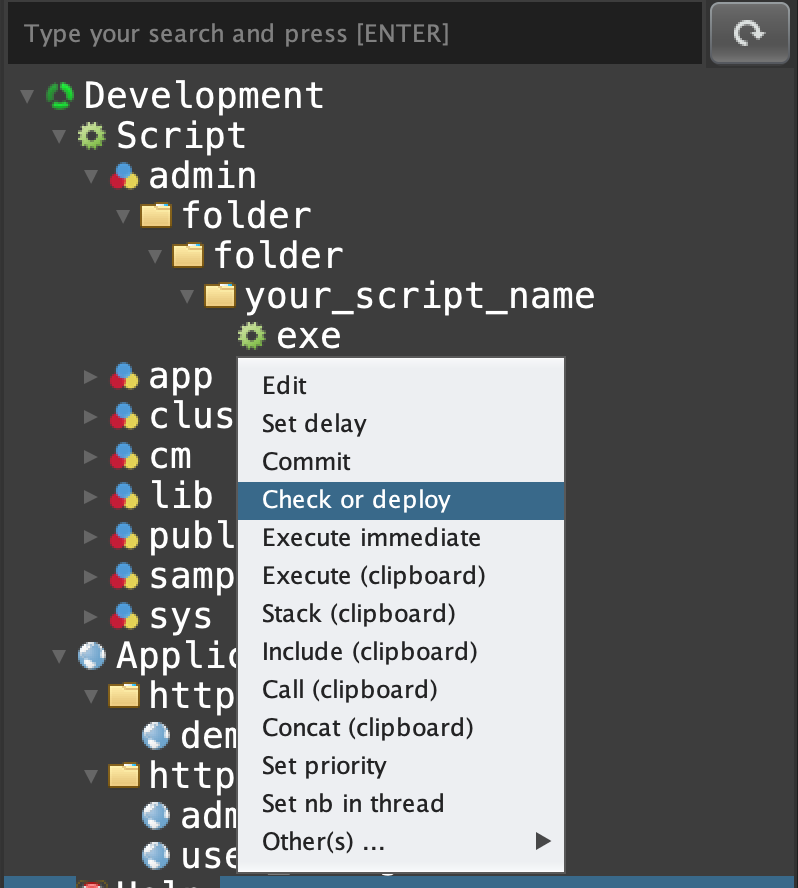
Click on 'DEVEL' tab, open 'Script', open 'admin', right click on 'folder.folder.your_script_name.exe' and select 'Check or deploy'
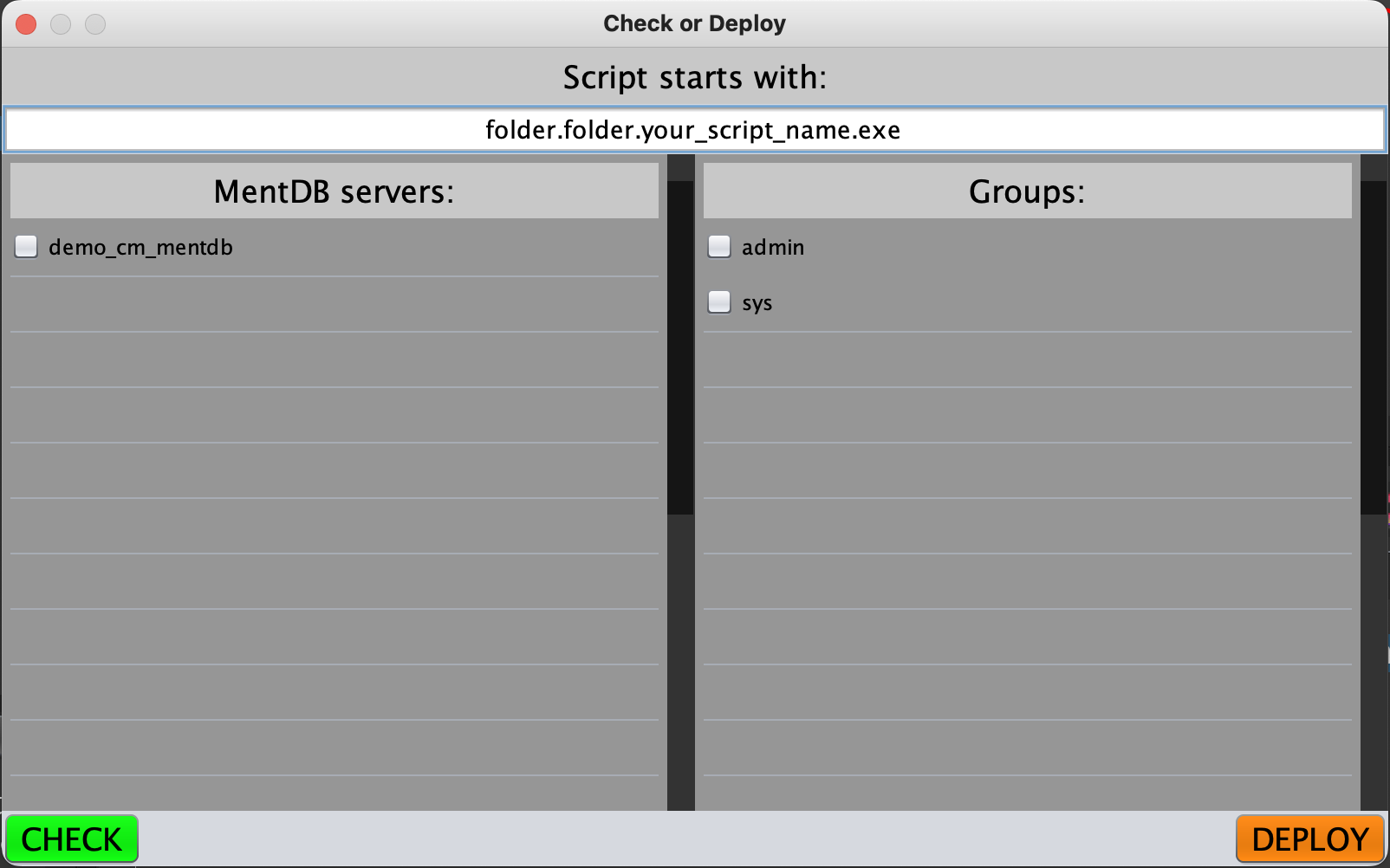
Select 'demo_cm_mentdb' and the group 'admin'
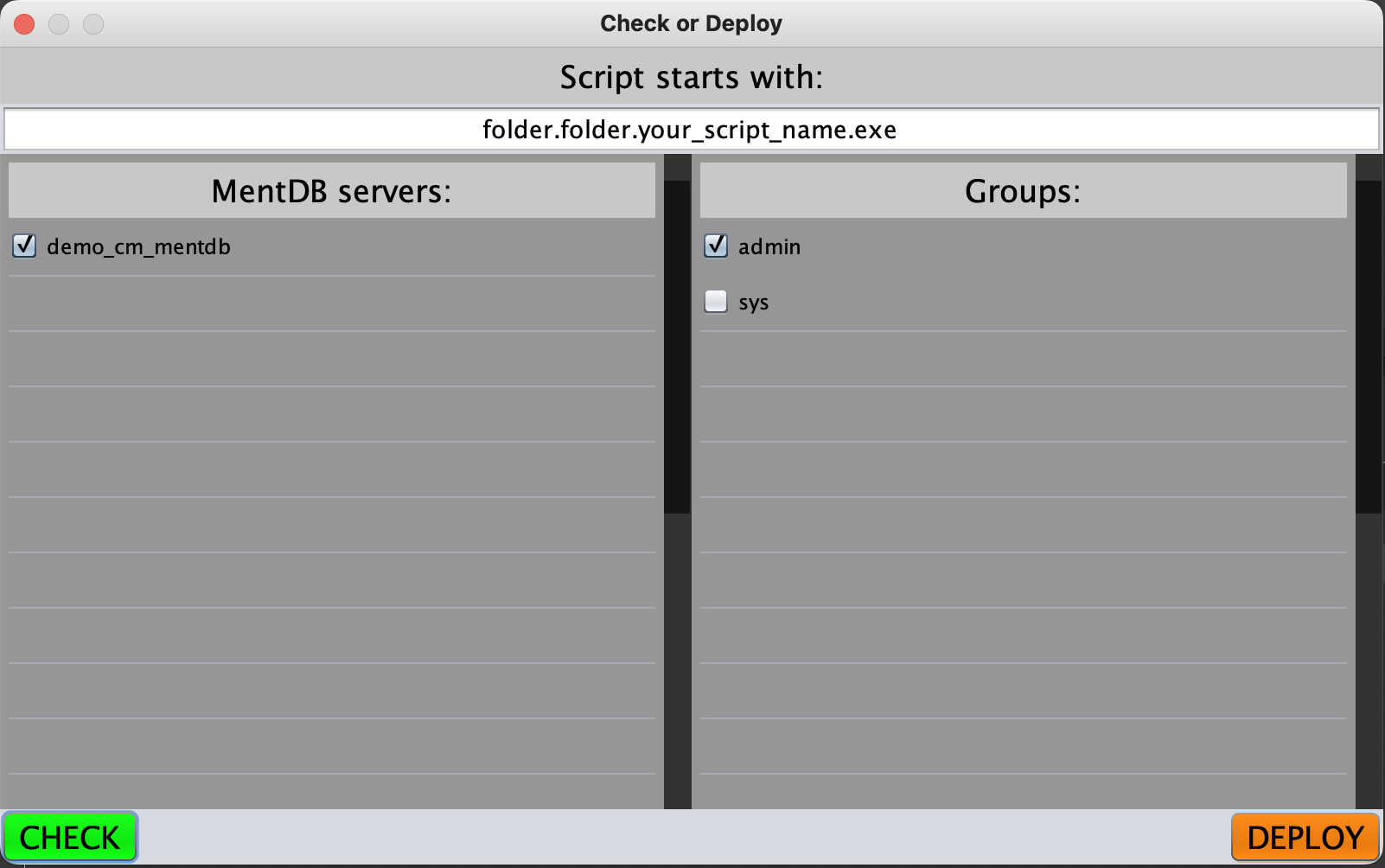
Click on 'CHECK' button
concat "demo_cm_mentdb:" [_n_] (execute "src.tools.deploy.exe" "[startsWith]" "folder.folder.your_script_name.exe" "[mentdbCmId]" "demo_cm_mentdb" "[groups]" "admin" "[check]" "1" ) " ################################################ "
"demo_cm_mentdb:
UP TO DATE.
################################################
"Click on 'DEPLOY' button
concat "demo_cm_mentdb:" [_n_] (execute "src.tools.deploy.exe" "[startsWith]" "folder.folder.your_script_name.exe" "[mentdbCmId]" "demo_cm_mentdb" "[groups]" "admin" "[check]" "0" ) " ################################################ "
"demo_cm_mentdb:
UP TO DATE.
################################################
" INNOV-AI