Innovation and Research from Réunion Island, France
Back Home
> Start the server > (or start the server for the first time (embedded mode - H2 Database)) > (or start the server for the first time (remote mode - MySQL 8 Database)) > Open the MentDB Weak Editor
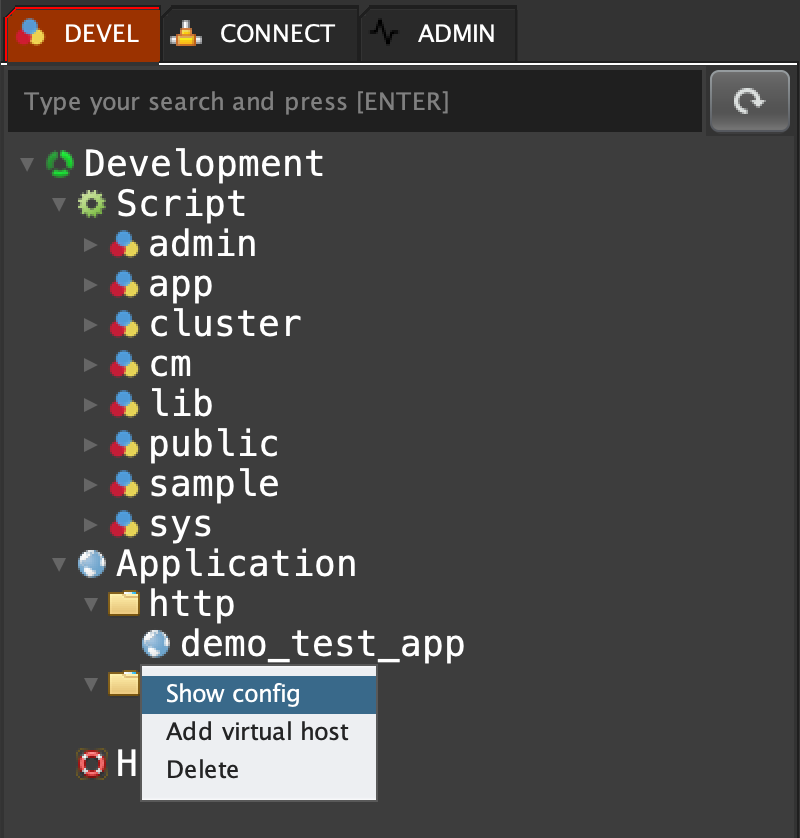
Click on 'DEVEL' tab, open 'Application', open 'http', right click on 'demo_test_app' and select 'Show config'
    Copy
  app vhost show "http" "demo_test_app";
    Copy
  "{
  \"www.domaine.com\": \"demo_test_app\"
}"
 INNOV-AI