- By default MentDB start with embedded mode (H2 Database), but just to see the configuration:
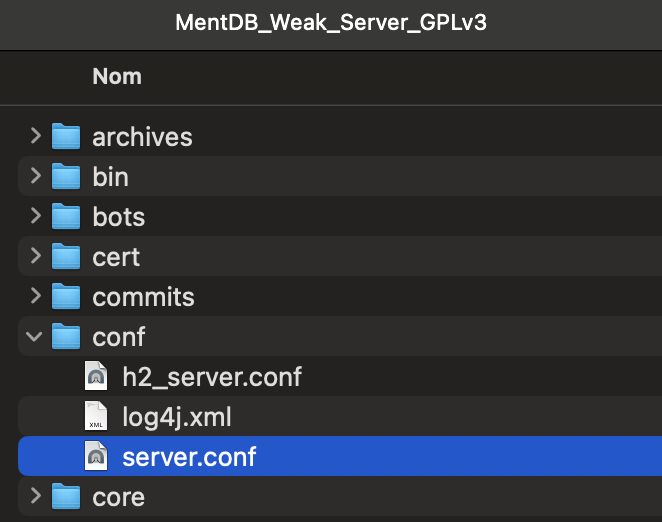
- Go to the MentDB_Weak directory...
- Open the conf directory...
- Edit the file server.conf
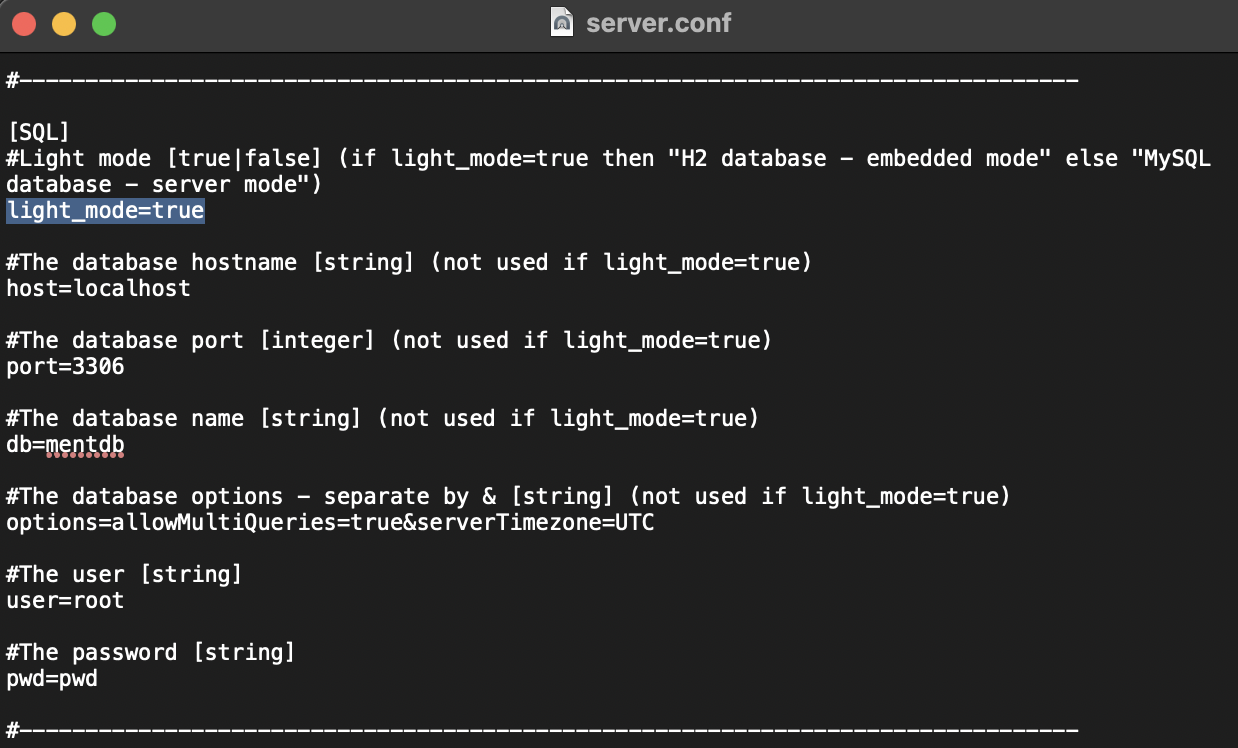
- Go to the [SQL] section
- You can see the line: light_mode=true
- If light_mode=true then "H2 database - embedded mode" else "MySQL database - server mode"
- You are in embedded mode
- Warning user and pwd are used by default for the H2 database:
- user=root
- pwd=pwd
- Update the password
- Save the file
- Go to the MentDB_Weak_Server_GPLv3 directory...
- Open bin directory...
- Choose your OS (windows / linux/ osx / raspberry32)
- Double clic on start.sh (or start.bat for Windows)

Your server is started.

 INNOV-AI